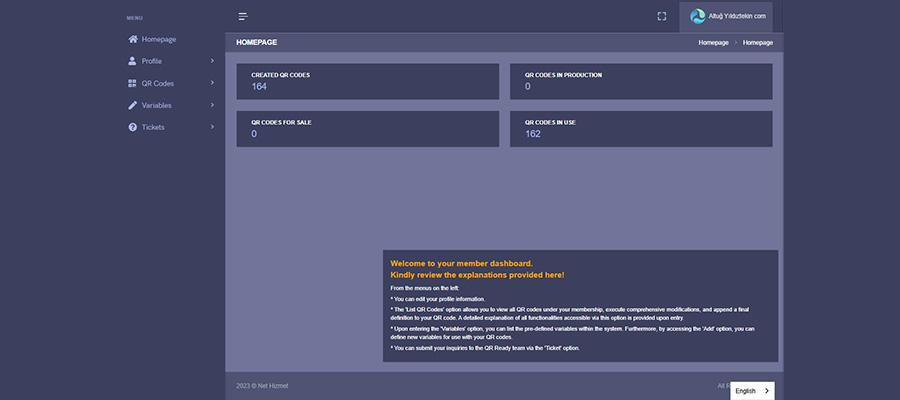
This image shows the page where you can log in to your dedicated QR code management panel.
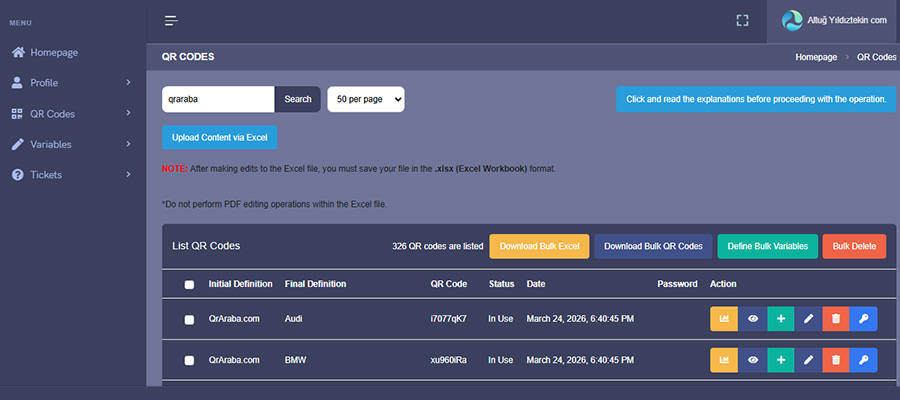
In this image, after logging in to your management panel, you can list the QR codes assigned to you on the right side by selecting the “QR Codes” option from the menu on the left.
In this image, you can see the options for editing and managing the QR codes assigned to you. To make edits, click the pencil icon on the right.
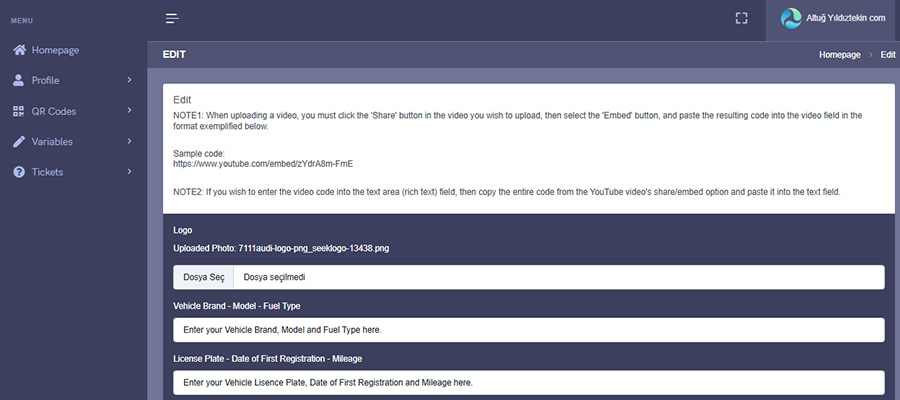
In this image, you can view the variables assigned to your QR code individually and edit them whenever you wish. You can add new variables, texts, photos, videos, PDF files, and codes.